

Creating Email Templates
Create email templates for frequently sent messages to save time when emailing artists through the ZAPP communication tool.
After logging in, select Events > Communication from the navigation menu.
Select the status or statuses you want to email. If you don't need to send an email, just select any status and click Select to get to the template editor.
In the Compose Email section, select Choose Template. Click Edit Templates from the menu.
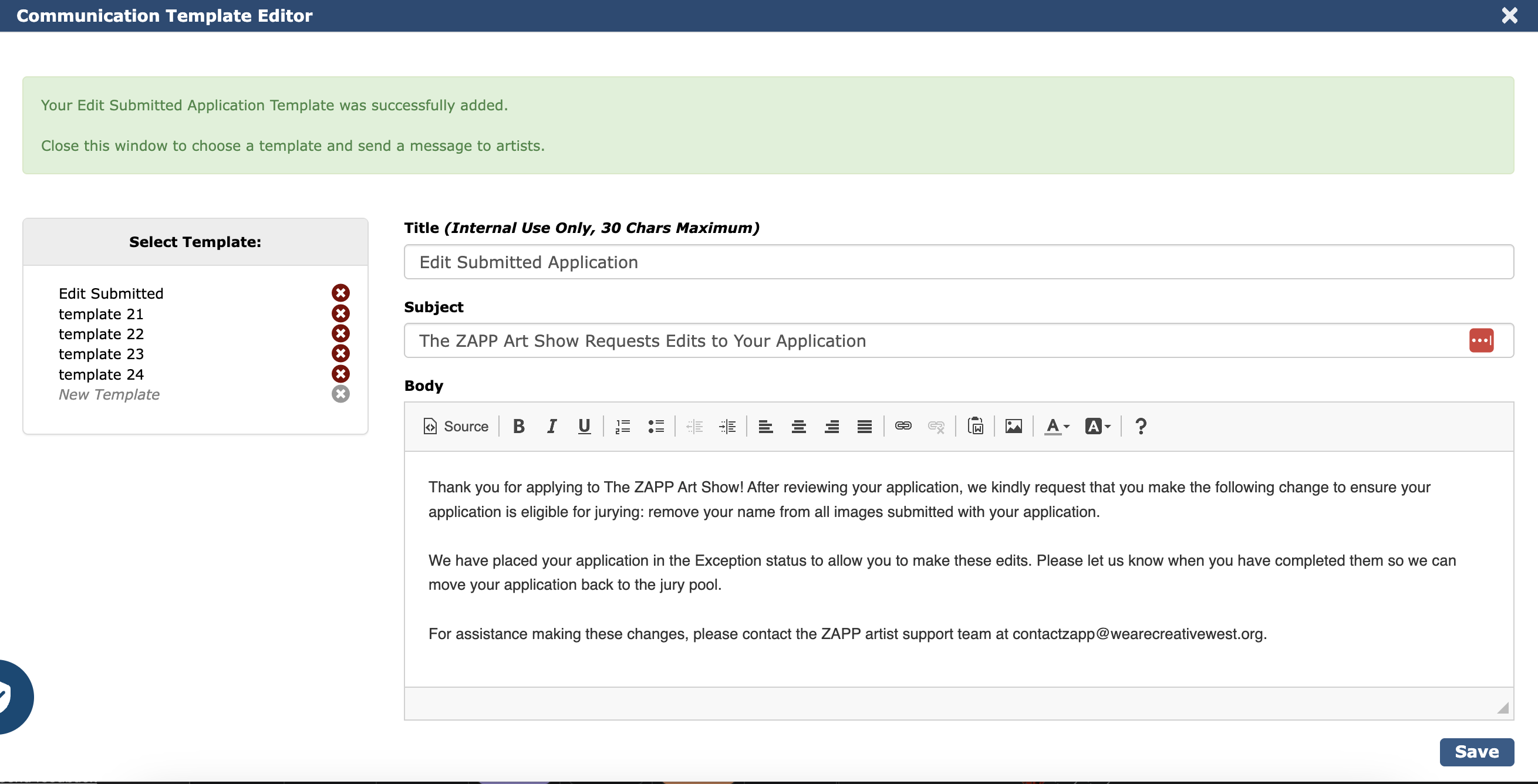
In the Communications Template Editor, enter a title for the template, the subject line of the email, and the message. Click Save to add the template to your library.
Inserting a Template
Choose Events and then Communication from the navigation menu after logging in.
Choose the status or statuses you want to email.
Click Choose Template and select the name of the template you want to insert.
Complete the remaining fields and settings in the Compose Email section. Click Preview to review the email and send.
👉 Looking to email a single artist? Check out the article Emailing Artists in ZAPP.