

Where to Find Jury Reports
Hover over Jury in the main navigation tab and select Administration.
Select your Event.
Click the Reports tab on the Jury Administration page.
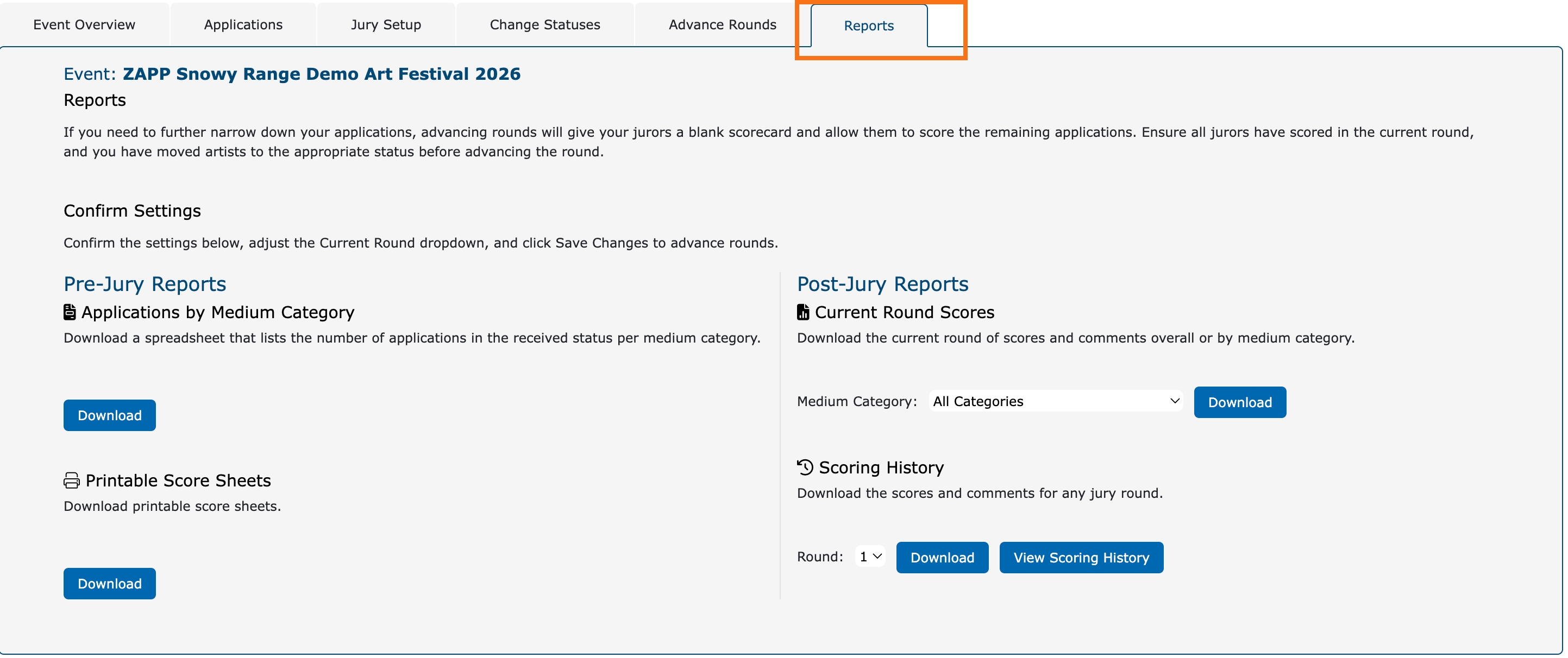
Pre-Jury Reports ⬇️
These reports help you get organized before your jurors begin scoring.
Applications by Medium Category: A spreadsheet with the number of applications per medium category (only includes applications in the Received status). Use this list to help you set medium category limits or plan your scoring timeline.
Printable Score Sheets: Generates printable scorecards for backup or in-person use. ZAPP scoring works best when done online; use these for backup situations only.
Post-Jury Reports ⬇️
After your jury, use these reports to view or export juror scores and comments.
Current Round Scores: Export scores for the current jury round by medium category (or all categories at once).
Scoring History: View and download scores from any jury round.
What’s included in these reports?
Application ID
Date received
Artist status
Artist name
Collaborator name if applicable
Medium category
Statement of Technique
Jury round
Scoring type
Average score
Total scores given
Juror Scores
Juror comments
Administrative comments